Help · version 0.1.13
Files, comments and Focus
Open a task to keep its notes, checklist and supporting material together. Use the task's controls for attachments, comments, history and Focus. Some shared operations need a connection to your Hub; their loading or error state tells you when to retry.
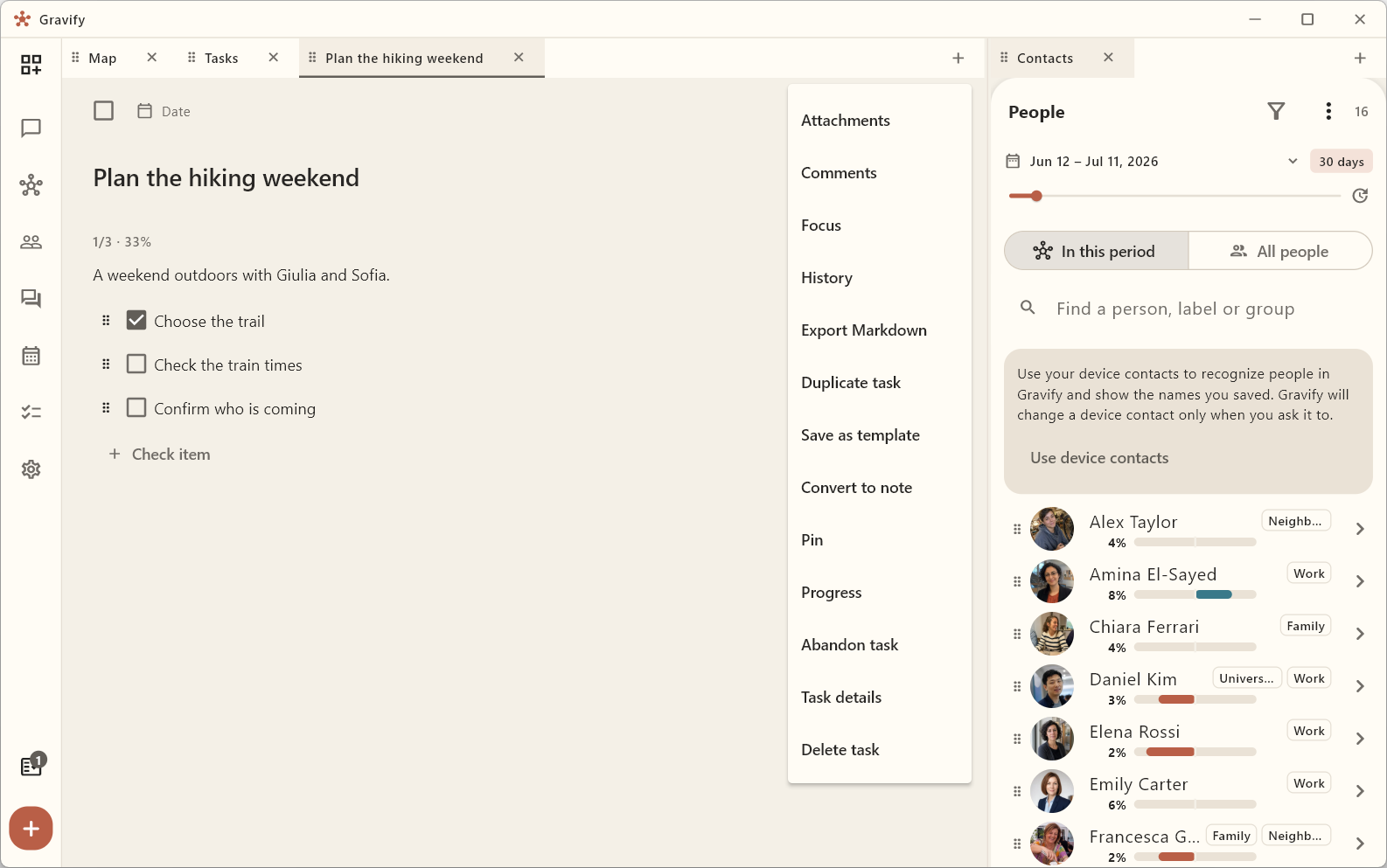
Attach material
Use the attachment action to associate a file with the task. Where Attach to task is offered for existing material, choose the destination task. Check that the file has downloaded before expecting it to open offline. A file attached to a task remains private; attaching it does not send it to another person.
Add comments and inspect history
Comments keep short updates separate from the main description. Use a comment's menu to edit or delete it. History shows available saved versions; open one to inspect it before choosing Restore this version. Restore creates a new current version, so inspect the result before continuing.
Focus on one task
Open Focus, choose a duration and press Start Focus. Stop the session if your work changes. Recorded sessions help you inspect time spent; they do not automatically prove the task is complete. Use its checkbox when the work is actually done.
Export controls, where offered, let you keep a copy outside Gravify. Treat an exported file as a separate copy: later edits in Gravify do not update that file automatically.